My Personal Map of Shanghai
Conception and Design
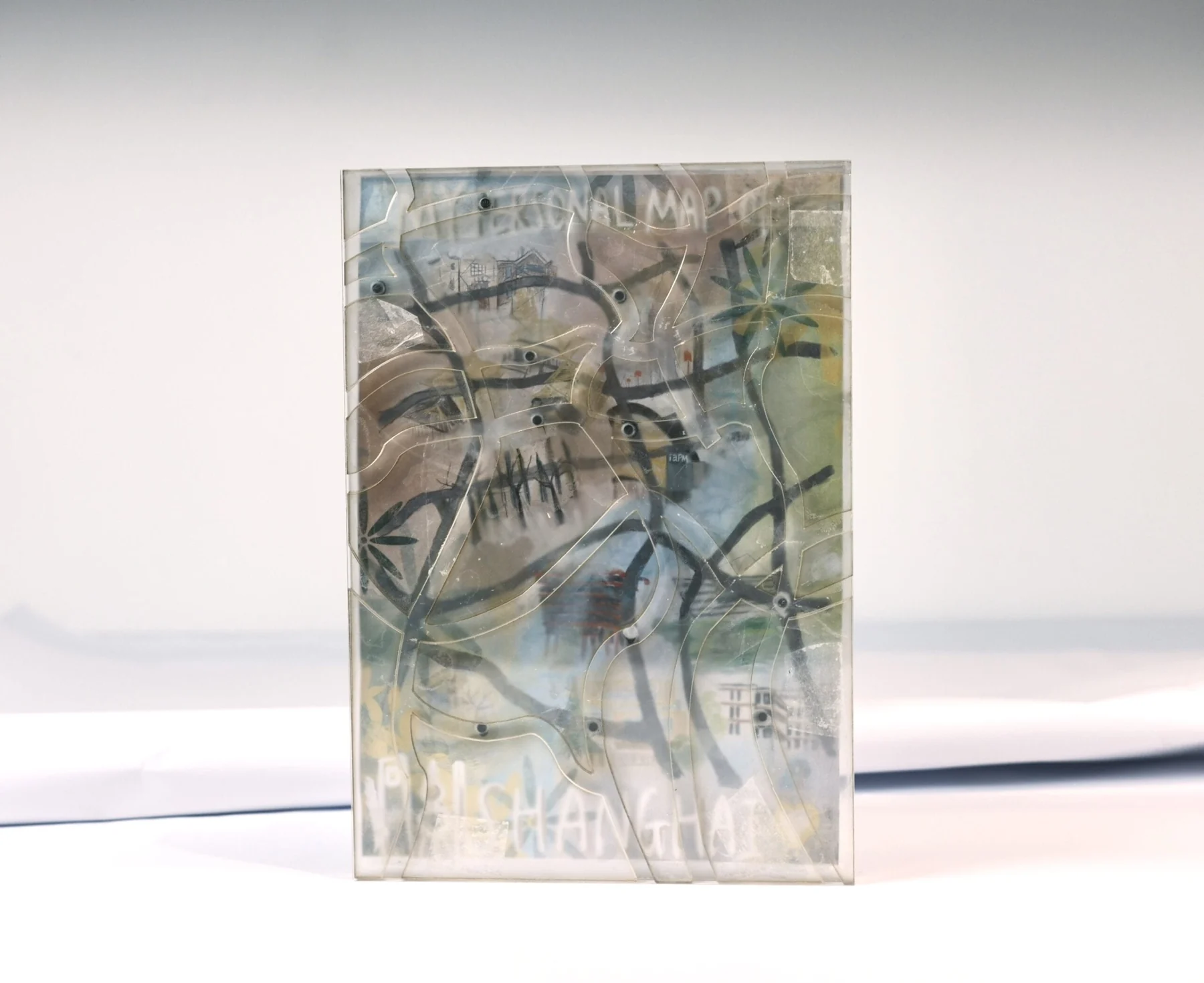
Every time the user does something to the project, the project should do something to respond. In my opinion, my project has basically fulfilled my definition of “interaction”, for every time the magnetic ball touches a magnetic sensor, the computer will automatically play a video that was recorded in the exact same place that is shown on the map.
Conception and Design
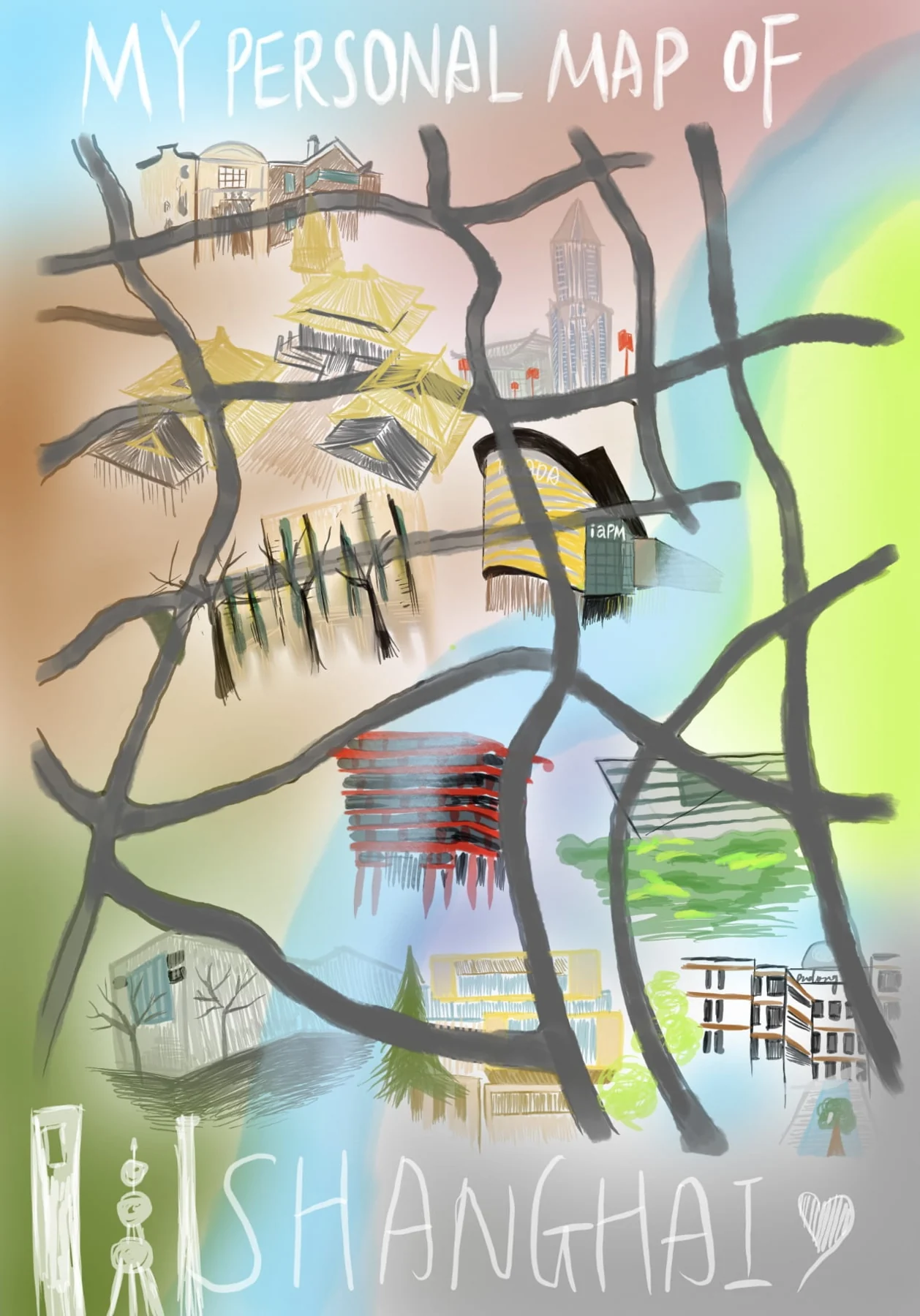
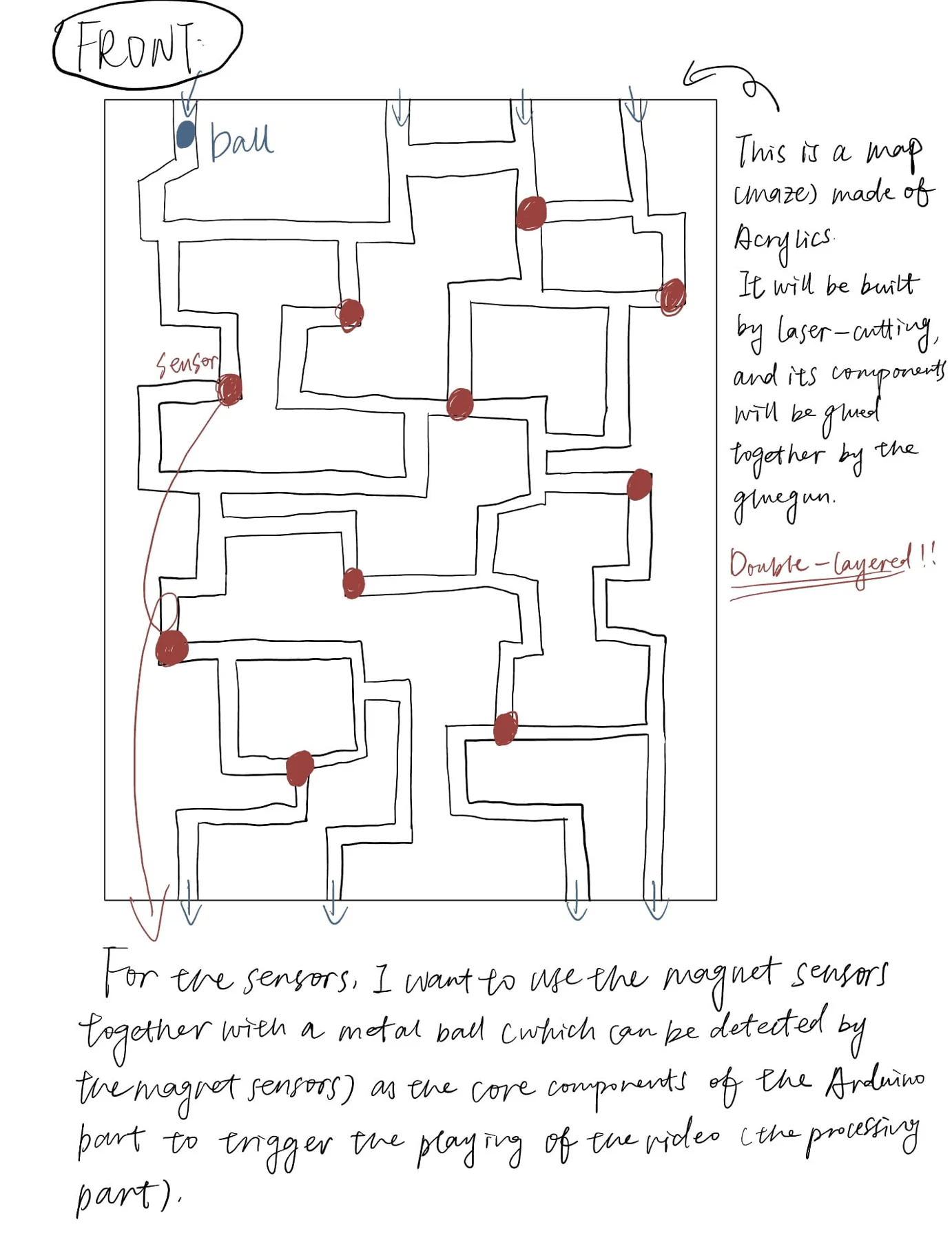
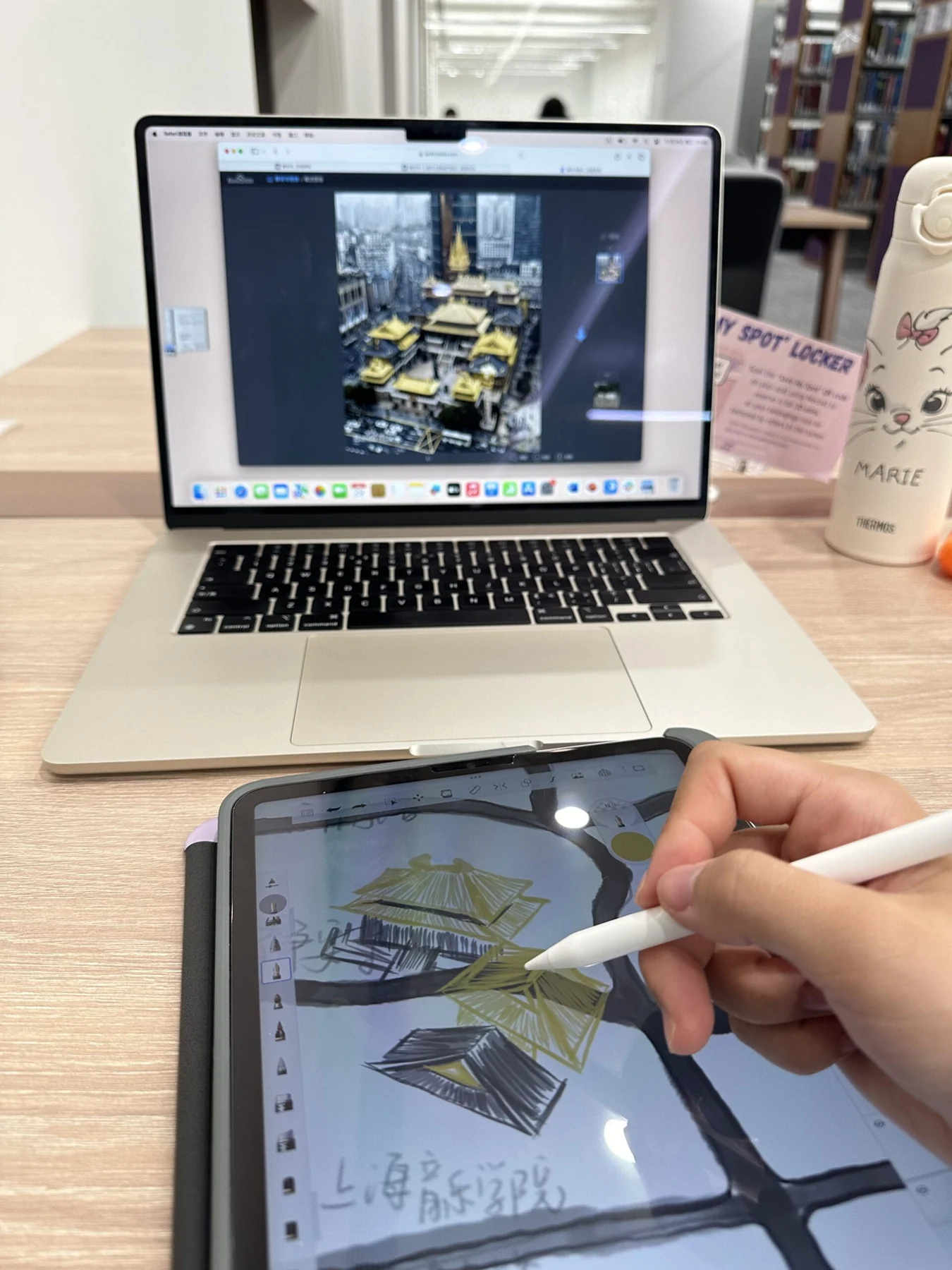
My first idea of my final project was to create a ball run game which happens in a 3D maze created by 3D printing. But after talking to my professor, he suggested that I could instead try creating a 2D one with several layers in it, and use laser cutting instead of 3D printing to make the physical part. He also suggested that I could try using the reed switches (magnet sensors) instead of the distance sensors for a better interactive experience. As for the theme, he suggested that I could try creating my personal map of Shanghai, with the interactive spots being the videos of the places where I had some personal memories.
Fabrication and Production
Before user testing day
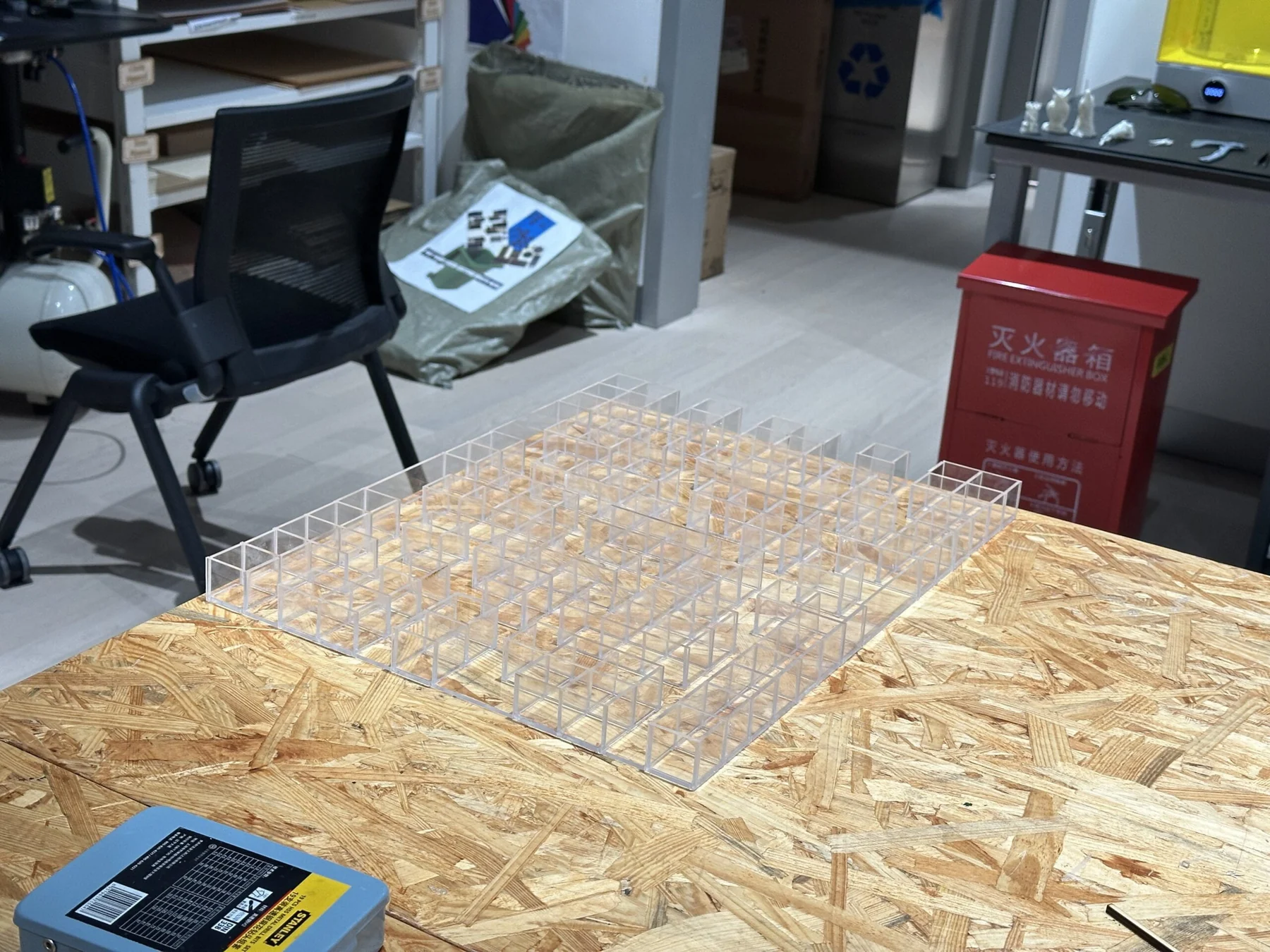
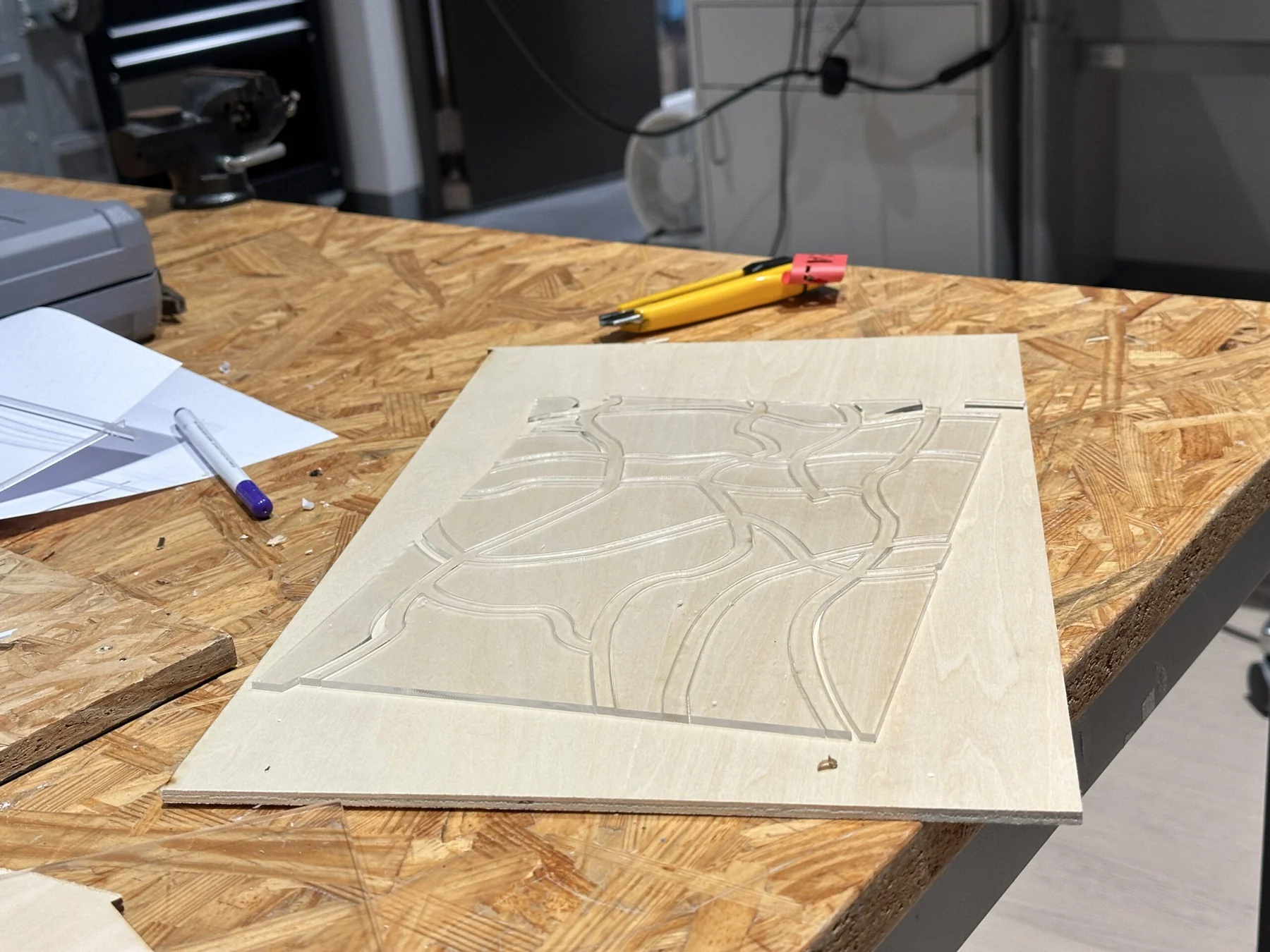
After I had finished designing, my professor helped me to transfer the file into the form which was suitable for laser cutting. Then I waited for all the parts to be cut and started glueing them together using a special kind of glue designed specifically for Acrylics. After finishing this process, I used a drill to dig holes on the “map” so that there would be enough space for the reed switches to be inserted.
Before user testing day
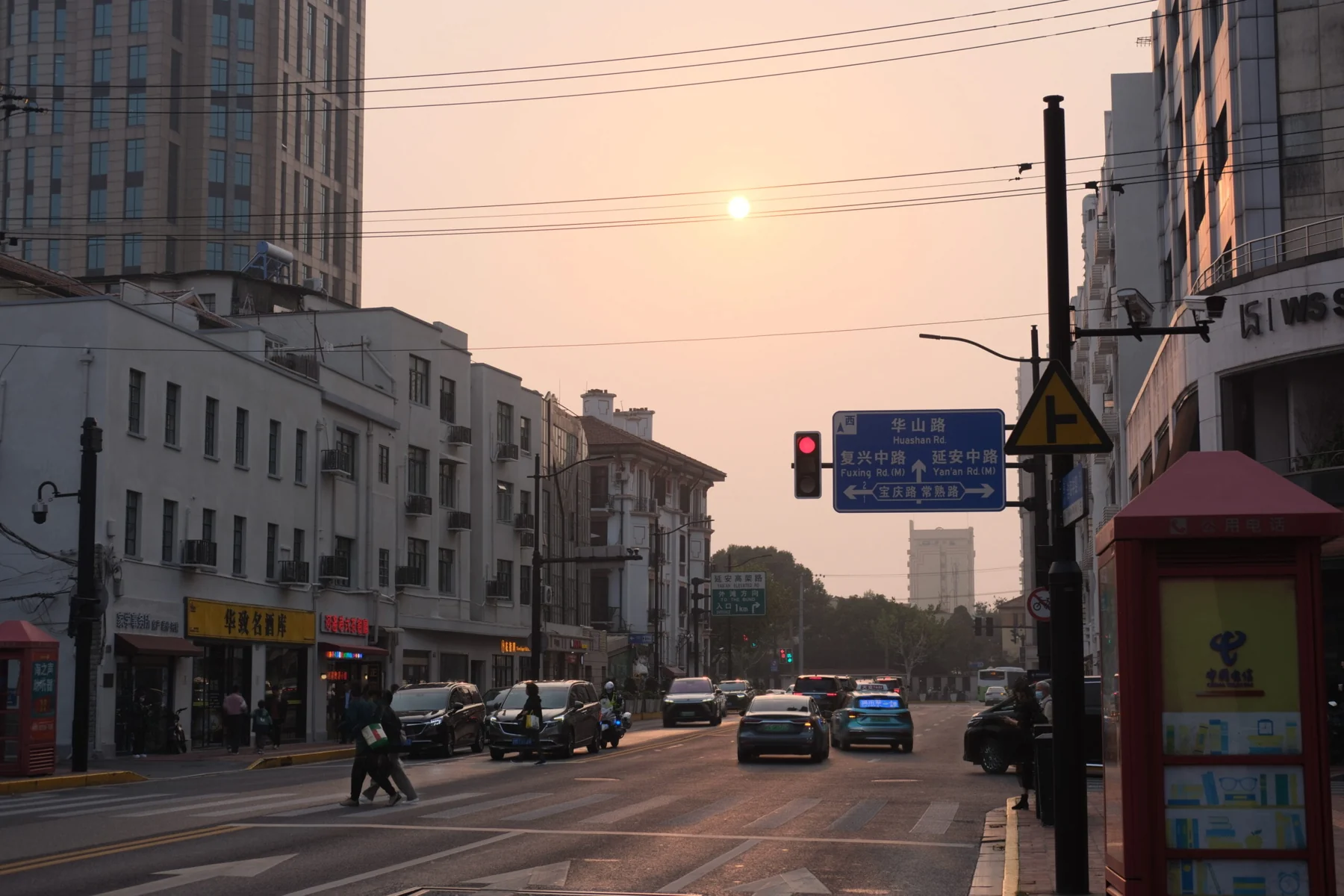
Up till now, I had finished the physical fabrication part of my first version. As my project was a “personal” map of Shanghai and I had decided to make it like a digital album of my own, I should also record the videos on my own, which meant that I had to tour around the city, choose the specific places that meant a lot to me, learn video editing, and finally make my own videos of these places. This was a very challenging task to me because I had never learned video editing before. However, I finally mastered the skill and managed to finish this crucial part of my project!
After user testing day
During the user testing, I received a lot of valuable feedback from my professors and my classmates. In all, they suggested that I should build a wooden box to hide the wires and maybe add my voice in the videos. They also said that the map was too heavy for them to hold, and they feared that it would fall apart.
After the user testing, I talked to my professor individually. He said that instead of using this form, I could try to build a map with curved roads and make it smaller and easier for the users to hold.
After final presentation day
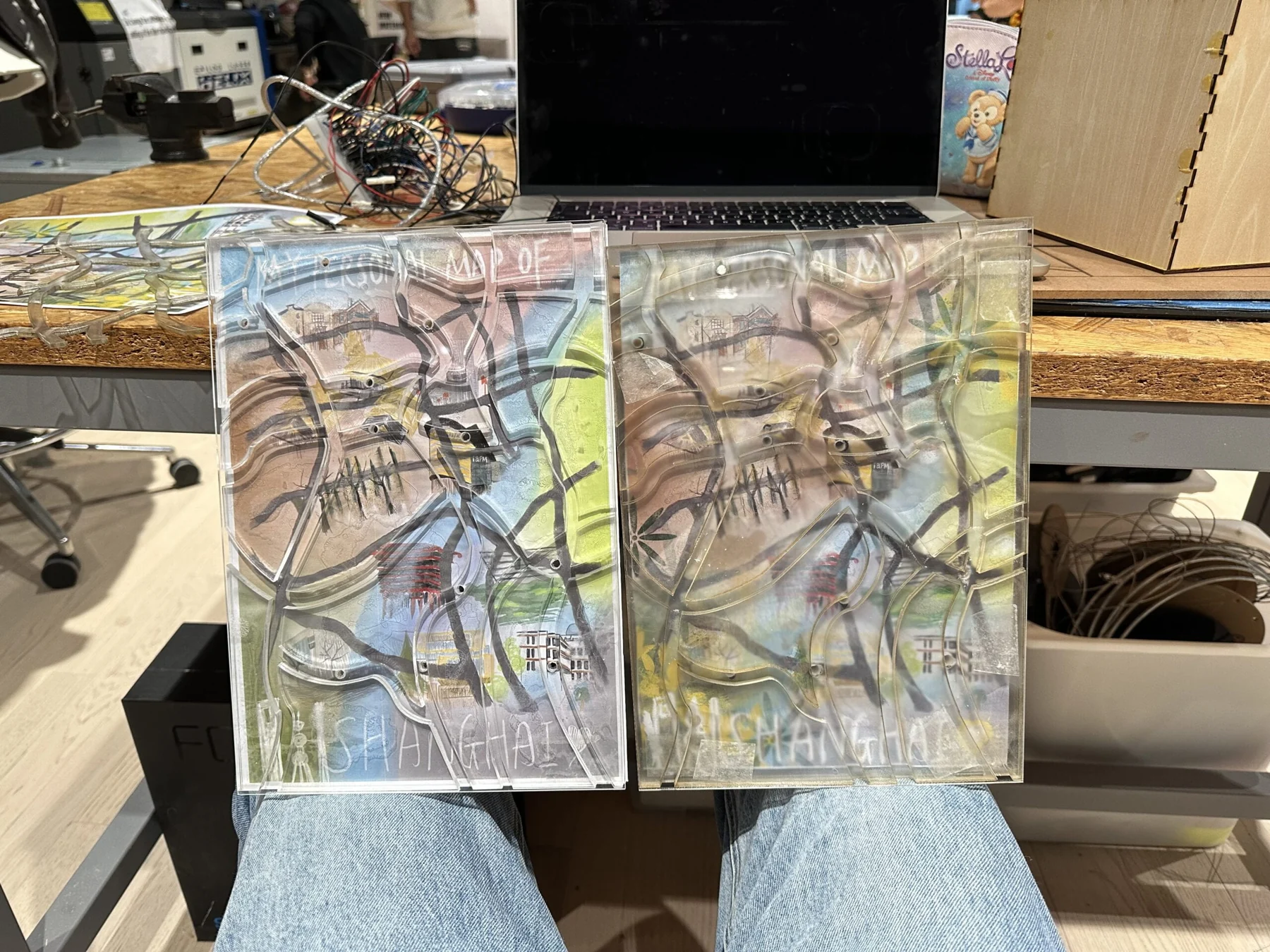
I brought the second version to the final presentation day and many people tested my project. It was overall successful, but the biggest problem was that as there was no barrier between the magnetic ball and the magnet sensors, it would be very easy for the little ball to be attracted by the magnetic sensors, and once it was attracted it would be difficult for the ball to move again if the user did not hit the map heavily. This was a serious problem, for it would cause a very unpleasant experience to the users and destroy the interactive process.
In this part, I didn’t change my original version too much. To make a new one, I repeated all of my original procedures, and the only change I made was to add a 2mm layer between the ball and the sensors.
Conclusions
Another thing that amazed me was how the users interacted with my project. At first, inspired by my teacher, my expectation was that the users may hold the map by hand and let the ball move inside by turning the map. However, at the IMA show, one of the users accidentally found out that the magnetic ball inside the map can be guided by a string of other magnetic balls outside the map. This would be much easier for the users to interact with the project and make the experience more comfortable as well.
Conclusions
However, there are still a lot of things I would like to improve if I had more time. Firstly, just as shown in the video above, when Processing was playing the videos in the data file, the videos were not smooth enough and would accidentally pause for a second from time to time. I didn’t figure out the exact reason of this phenomenon, so if I had more time, I would try to improve this part and make the videos smoother. Secondly, both my professor and I failed to add sound to the videos, which I consider to be a pity, because the users would not get a clear introduction of the places shown on the screen. During the IMA show, many users would ask me “where is it” every time a new video was played, so I do think that adding my voice and my introduction to the videos would help. If I had more time, I would definitely prioritize this part and improve it as much as I can.
Images & code
void setup() {
  Serial.begin(9600);
  pinMode(3, INPUT_PULLUP);
  pinMode(5, INPUT_PULLUP);
  pinMode(6, INPUT_PULLUP);
  pinMode(9, INPUT_PULLUP);
  pinMode(10, INPUT_PULLUP);
  pinMode(11, INPUT_PULLUP);
  pinMode(2, INPUT_PULLUP);
  pinMode(4, INPUT_PULLUP);
  pinMode(7, INPUT_PULLUP);
  pinMode(8, INPUT_PULLUP);
}
Credits
An individual project by Jingchen Gao, developed with instructor Gottfried Haider. The personal-map direction and several technical revisions grew from his guidance; two IMA fellows helped with Processing.