Faces in Motion
Concept Development
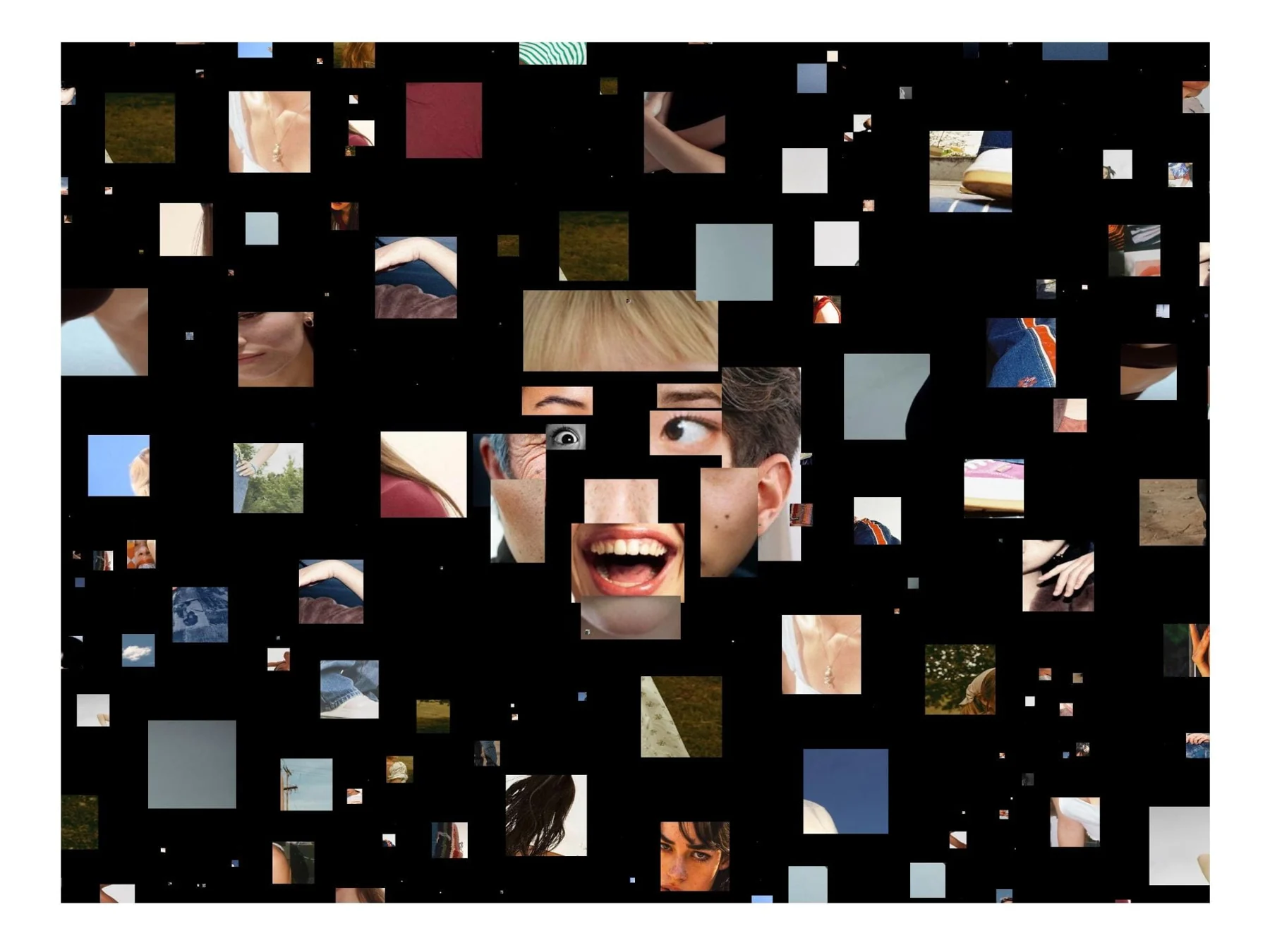
To explore this, I designed Faces in Motion as an interactive collage that reconstructs the human face from fragments of other faces and bodies. This reconstruction is not static. Instead, it responds to real-time data from a viewer’s facial gestures—nodding, turning, moving—as well as more subtle movements. The face becomes a mosaic that continuously reorganizes itself in response to the observer, dissolving the boundary between observer and observed.
Concept Development
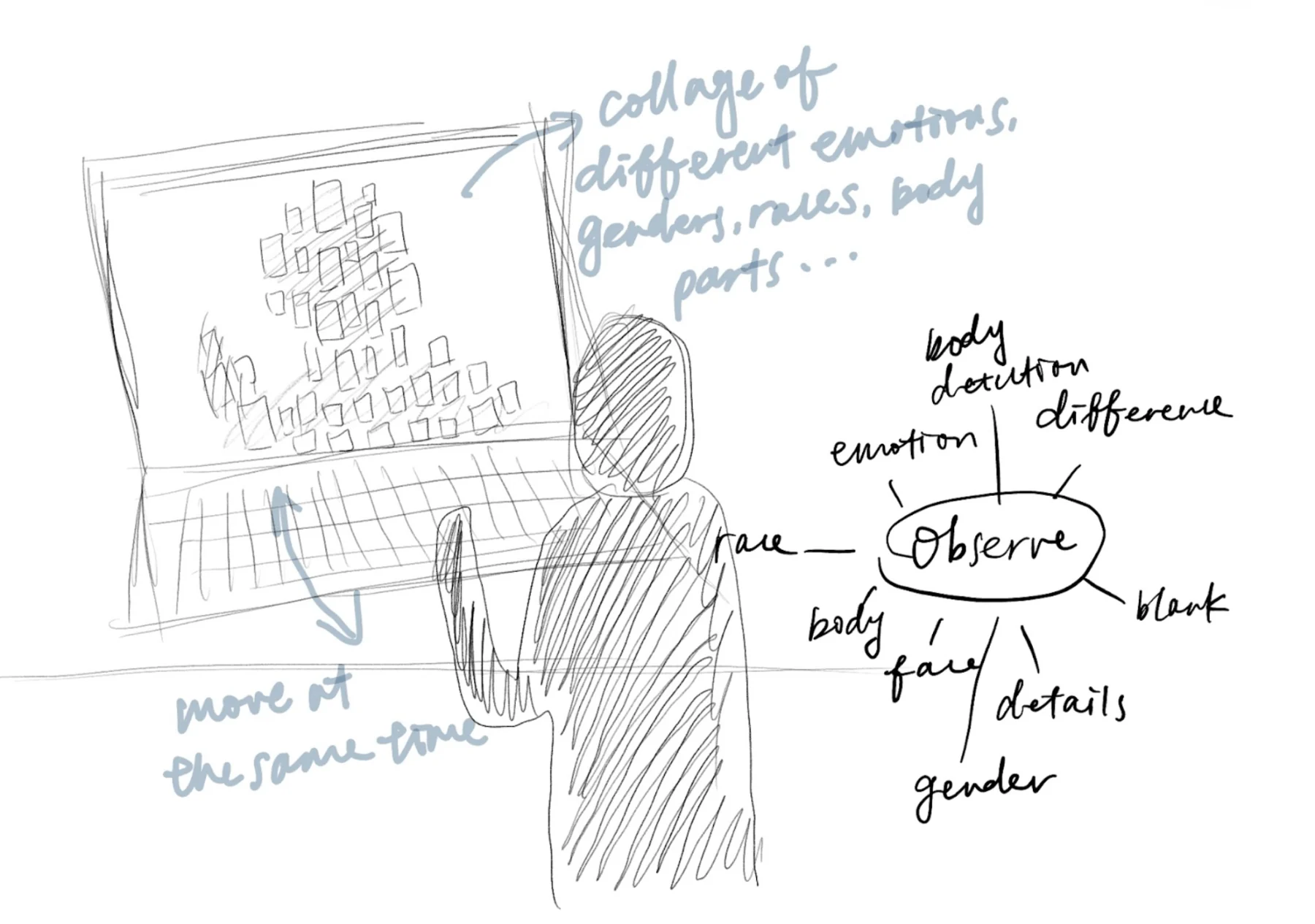
The conceptual foundation of Faces in Motion stems from a desire to shift the viewer’s relationship with facial expression. In daily life, we instinctively interpret emotions through facial cues—inferring happiness from a smile, confusion from a furrowed brow. This habitual process of reading emotions, however, is not always accurate or objective. My project asks: what if we paused this interpretation and simply observed? What if we viewed the human face not as a source of meaning but as a surface of change?
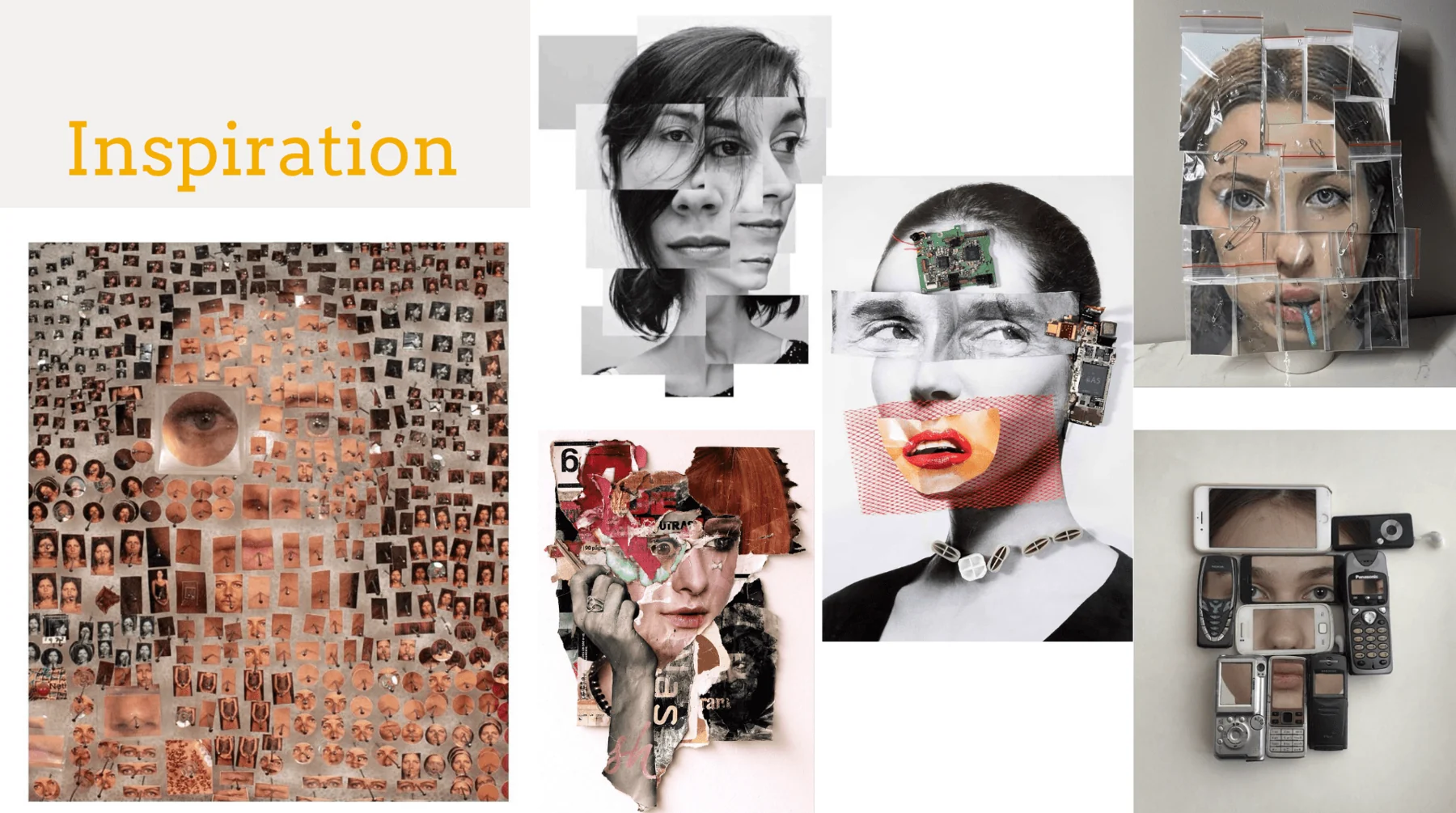
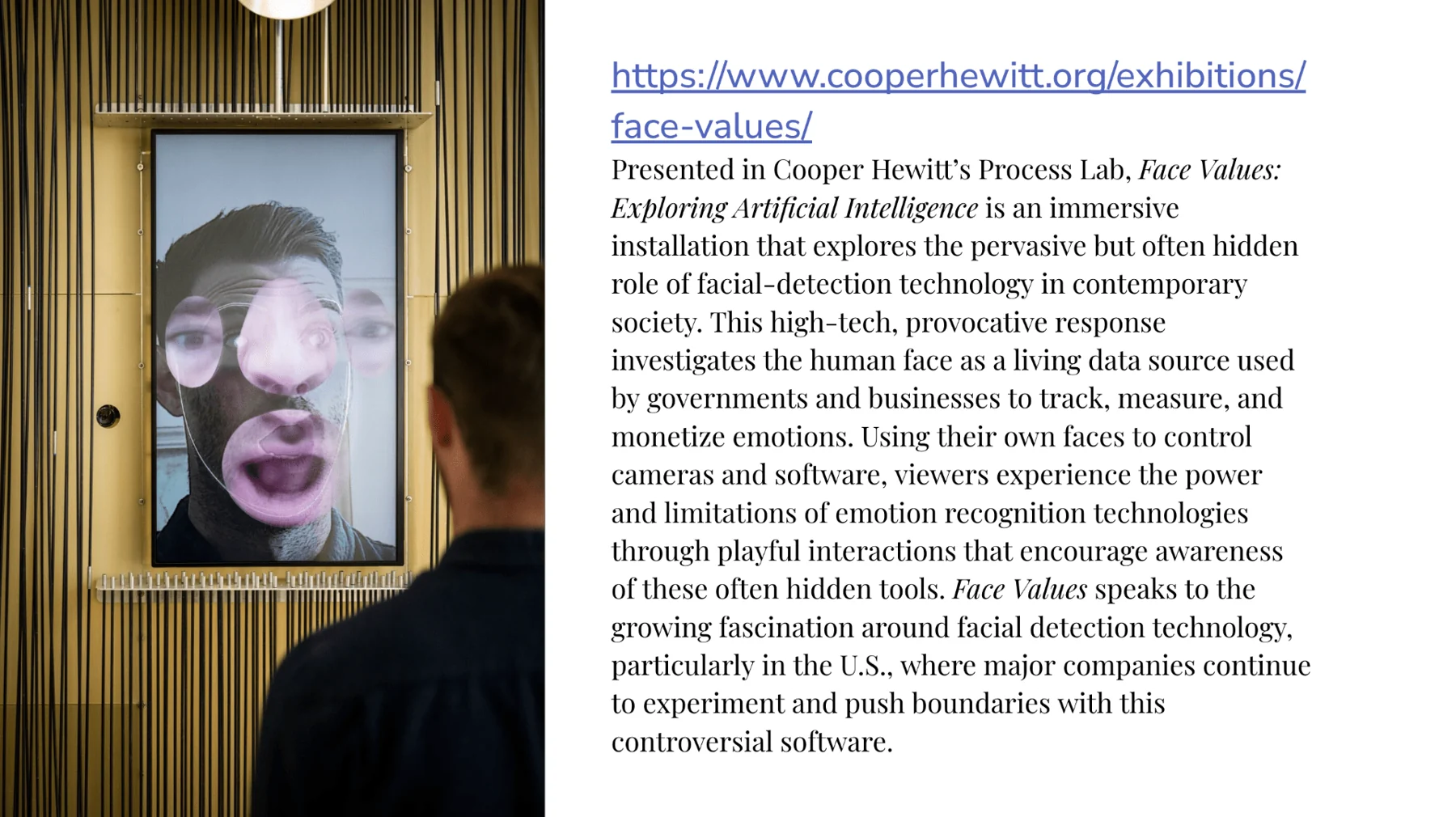
This project also draws inspiration from Face Values, an installation at Cooper Hewitt that highlights the growing use of facial detection technologies. Whereas Face Values uses facial recognition to critique the commodification of emotion and identity, my project takes a more artistic and abstract route. This distinction is central to the concept: removing assumptions and replacing them with attention.
Transition to Local Development
Eventually, my professor suggested me to move the entire project into a local development environment using Visual Studio Code. This shift allowed me to organize my files into folders based on facial parts (such as mouth, left-eye, right-cheek, etc.) and easily load them dynamically. With so many image assets involved—over 300 in the other folder alone—this kind of structure was essential.
Image Gathering and Processing
After downloading the images, I manually cropped them into smaller segments, each representing a specific facial region. For example, one image might be cropped into both an eye and an eyebrow segment. I used basic photo editing tools to isolate parts and save them as individual JPEGs. Then, I organized the cropped images into corresponding folders—nose, chin, forehead, and so on—so they could be loaded and mapped cleanly in p5.js.
Using ml5.js FaceMesh
To track facial landmarks in real time, I used the ml5.js FaceMesh model. I chose this model because it integrates well with p5.js and comes with a simplified API that allowed me to focus more on creative implementation rather than complex setup. Following the instructions on the Coding Train’s ml5.js FaceMesh tutorial, I was able to initialize the model and begin capturing face data from the webcam.
The model outputs a detailed set of facial features, including keypoints for the eyes, nose, lips, cheeks, ears, and forehead. I used these landmarks to anchor specific images from each folder to the correct part of the user’s face.
Distance-Based Scaling
The logic here is simple: when someone is closer to the camera, the space between their eyes appears larger. When they are farther away, the distance shrinks. This value, faceDistance, becomes a rough proxy for how far the user is from the camera.
This ensured that when the user gets closer, the collage images appear larger, and when the user moves away, the images become smaller. I applied this scale to each facial image using the scale() function inside my custom drawImage() helper function. This real-time feedback between face distance and image size helped create a more immersive and reactive experience.
Time-Based Image Switching
Rather than having all facial parts display the same static image, I wanted each part to switch between different images over time. To make the switching feel natural and not too fast, I implemented a time-based selection system. Each facial part has two variables: partIndices, which tracks the current image index, and partLastChange, which records the last time it changed.
This function first checks whether enough time has passed since the last switch (minHold is 2000 milliseconds, or 2 seconds). If not, the current image stays the same. Otherwise, the function gives a certain probability (10% per second) that the image will change. This creates variation without the images flickering too frequently.
Conclusion
Throughout the development process, I iterated on many aspects of the system—how images load, how they scale with the user’s proximity to the camera, and how often they change. The final version of the piece reflects a balance between randomness and control, between structure and visual entropy. I was especially satisfied with how image timing was resolved through custom logic, allowing each facial part to change independently in a way that felt both unpredictable and intentional.
Lessons Learned
One of the most important lessons I learned in this project was how to work with a large-scale system that involves many moving parts—literally and figuratively. Unlike earlier sketches I had done in p5.js, this work required me to manage hundreds of images, multiple facial feature arrays, and time-based behaviors, all while maintaining a consistent frame rate. This forced me to think more carefully about performance, file organization, and code modularity.
Images & code
let faceDistance = dist(face.leftEye.centerX, face.leftEye.centerY, face.rightEye.centerX, face.rightEye.centerY);
let faceScale = map(faceDistance, 0, 100, 0.1, 1.0);for (let i = 0; i < 300; i++) {
let randomImage = random(imgsOther);
bouncingImages.push(new BouncingImage(randomImage));
}Credits
An individual project by Jingchen Gao. The collage uses found photographic fragments; the original documentation identifies Pinterest as a source of image material.
Exhibited at the 2025 Shanghai Urban Space Art Season and 2025 Future Theatre Season.